
Fixing those annoying heat spots in your SIPA SFR 12
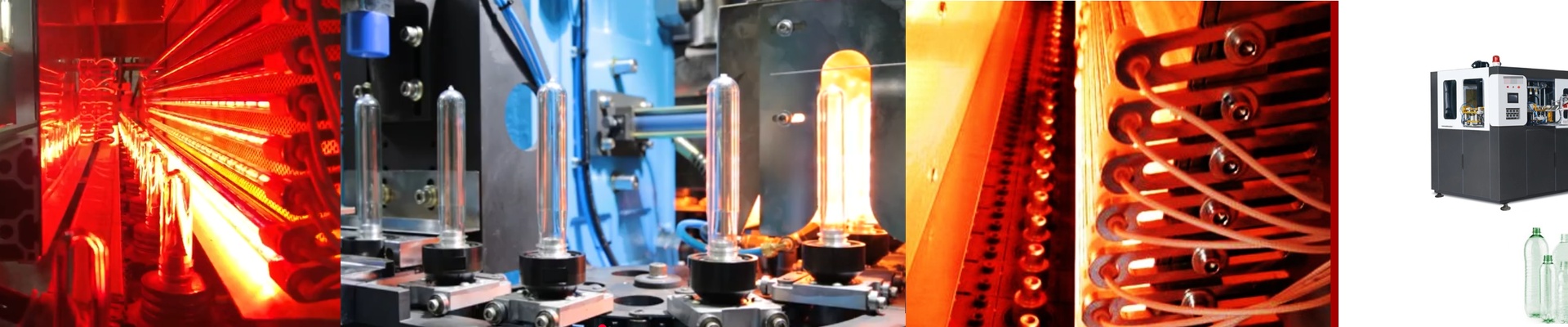
Ever pull a batch of PET preforms off the line and see that cloudy, pearlescent look? Or worse, you find thin walls that just won’t hold? It’s frustrating. Usually, when your KHS or SIPA SFR 12 starts acting up like this, it’s not a mystery. Your IR lamps are likely losing their punch, or the wattage just isn’t hitting the right spots. The science of the heat We didn’t want to overcomplicate these replacement lamps. We built them to fit the SFR 12 oven footprint exactly. The trick is getting the voltage and filament length just right. If the wattage density is spot on, your preform hits that glass transition temperature quickly—without scorching the neck. We use high-purity quartz glass for a reason: it stops energy from leaking out. This means the heat actually sinks deep into the PET wall instead of just bouncing off the surface. No headaches during install These are true drop-in replacements. We stuck with standard R7s or SK15 connectors, so you can just wire them in. No hacking at the socket housing, no “making it fit.” We also centered the filament. Why? Because nobody wants “cold spots” at the ends of the tube ruining a production run. If you need to target specific layers of the preform wall, we’ve got coated options that shift the emission spectrum to get the heat exactly where it needs to go. Real talk: The shop floor Here is the thing. High-output lamps are great for heat density, but they push your power supply harder. If you’re cranking up the wattage just to make up for a clogged oven fan, be careful. You’ll likely burn out the lamp ends way too soon. Before you swap everything out, take a second to make sure your cooling blowers are actually clear of dust and debris. They need to breathe to handle that extra heat. When you swap in a fresh set of lamps, the thermal profile goes right back to how it felt on day one. You get a consistent blow, way fewer rejects on the conveyor, and a lot less stress for your team.